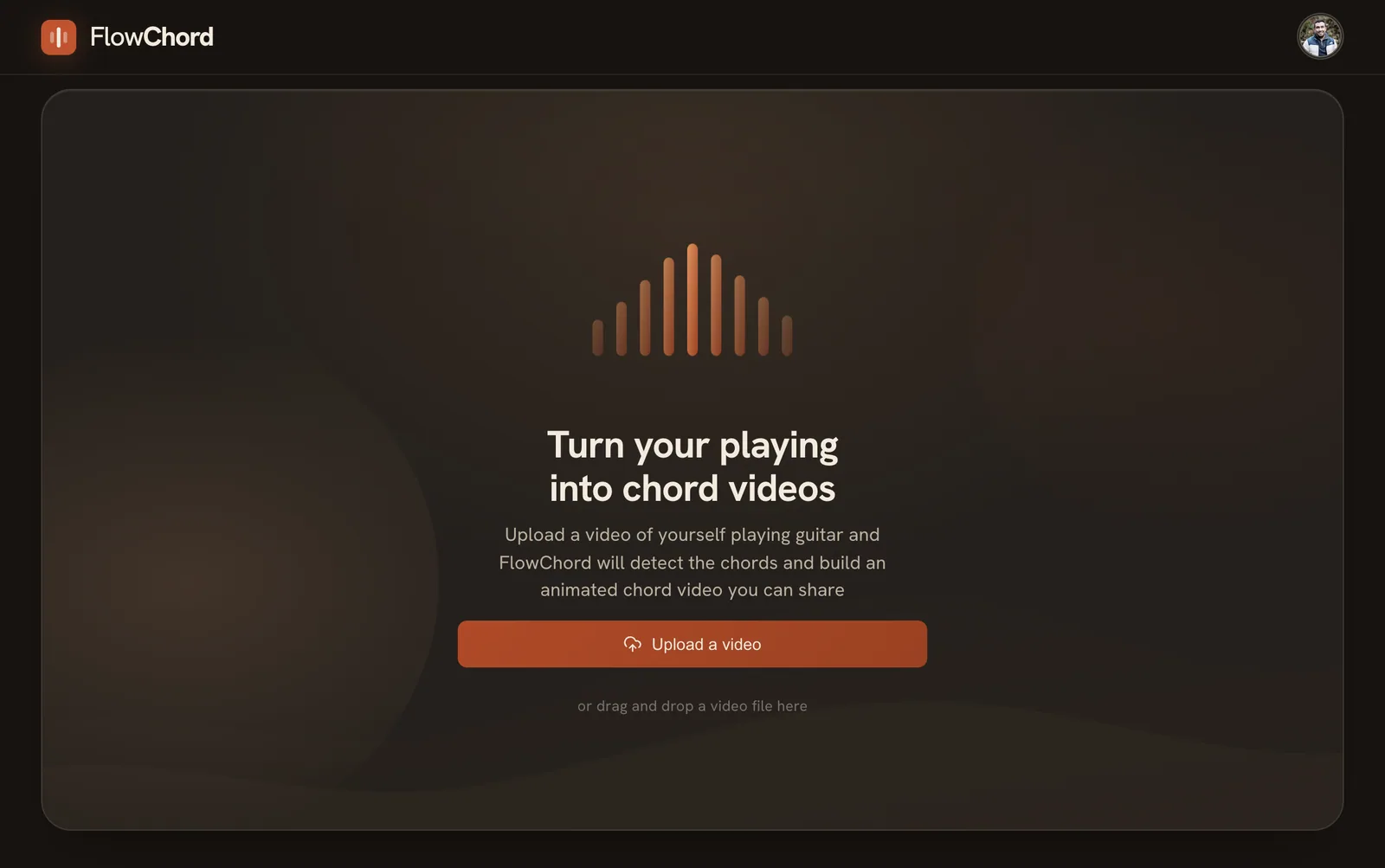
Upload a video
Pick a clip you already filmed: MP4, WebM or MOV, up to 5 minutes and 500 MB. One camera is all you need.
Upload a clip of you playing. FlowChord finds the chords and their timing; you check them, pick a template and export.
Have an invite code?
This video was made with FlowChord and not a single chord was edited: upload, detect, export. What you see is what you get.
Typical for a 3-minute song. Often the chords come out right and there is nothing to fix.
No timeline, no keyframes. Four steps, and most of them are a tap.
Pick a clip you already filmed: MP4, WebM or MOV, up to 5 minutes and 500 MB. One camera is all you need.

FlowChord listens to the audio and lays out every chord with its name and timing. Nothing to type in.

Most of the time the chords are already right. If one is not, tap it to change the name, how it is played or the timing. Then pick a template.

Export a 30 fps MP4 in 9:16, 16:9 or both. It renders in your browser and downloads when it is ready. No watermark.
Templates change the chord band, never your footage or its timing. More templates coming soon.
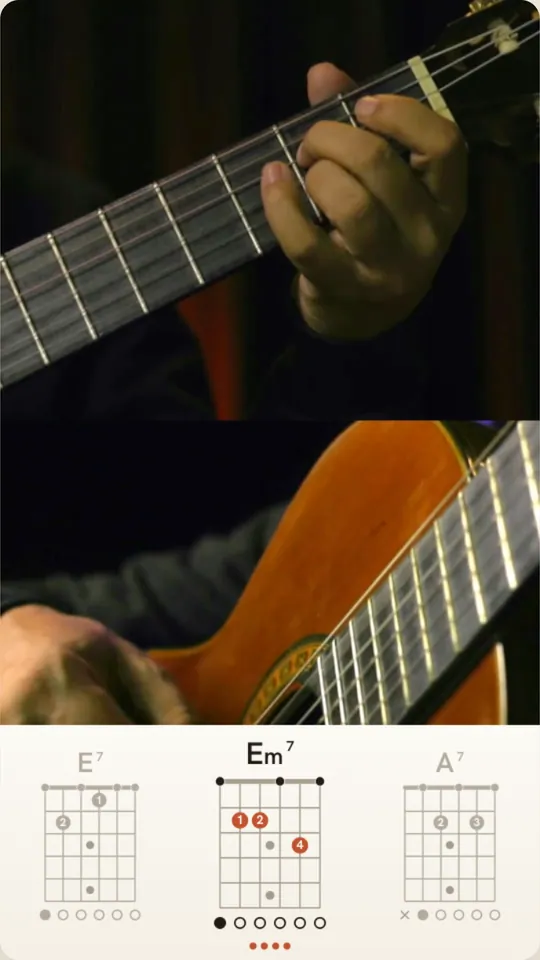
Clean type on a flat band. Nothing between the viewer and the chords.
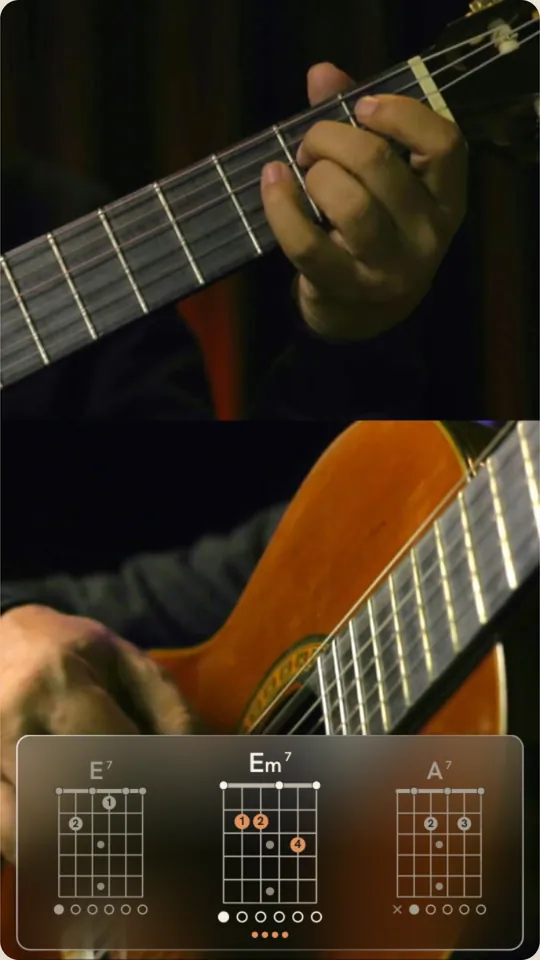
A frosted panel that floats over your footage and adapts to light or dark scenes.
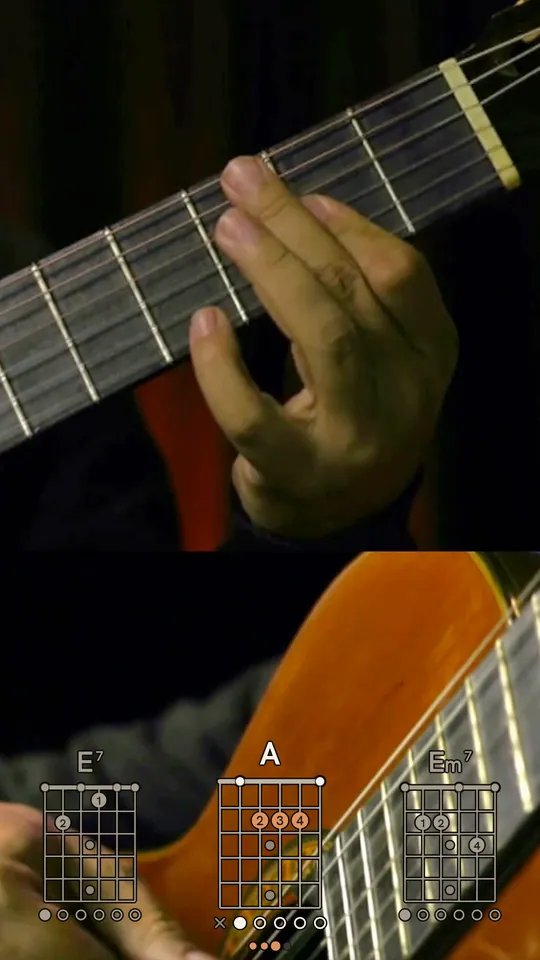
No band at all. The chords sit right on your footage, in ink or cream to match it.
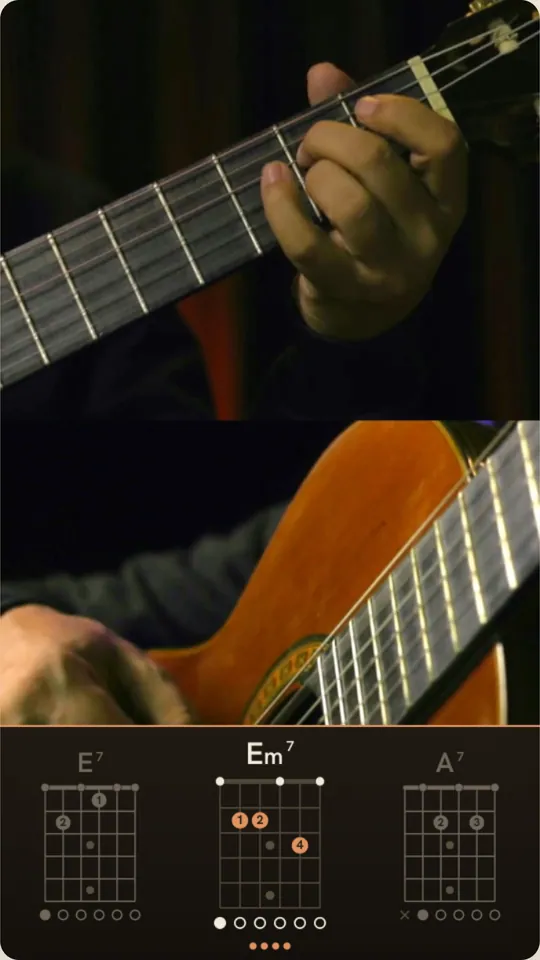
A dark band with crisp edges and a rust rule. Made for studio-lit clips.
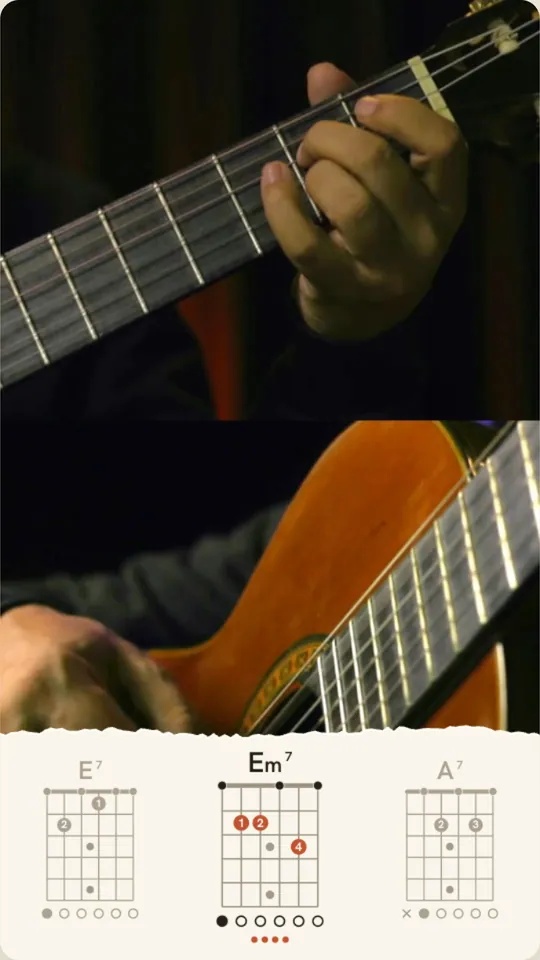
A torn paper strip, like a chart taped to the mic stand.
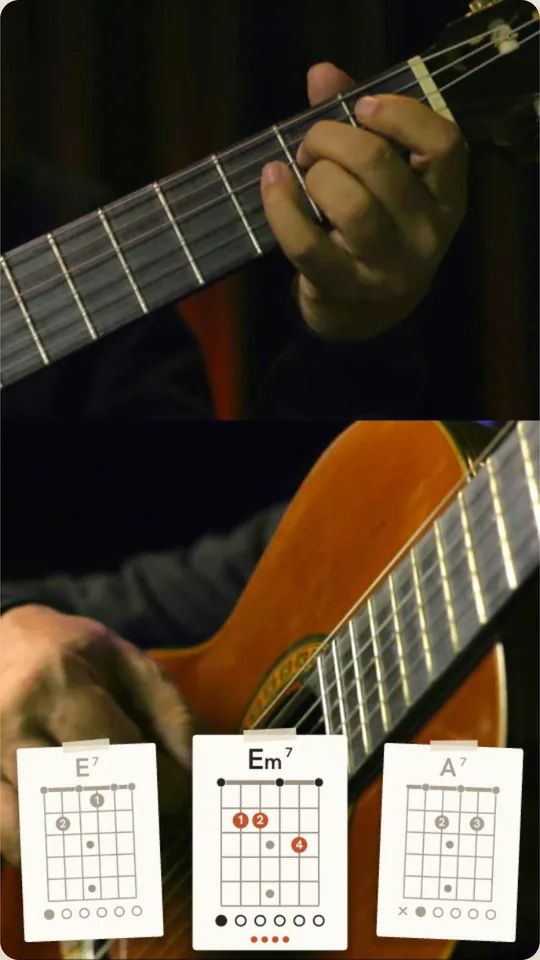
Each chord on its own tilted, taped card.
Often there is nothing to change. When there is, tap any chord in the list. Pick the right name, pick the shape you actually played, or nudge the timing. The preview updates live, and you can change every matching chord in the song at once.
Changes are saved automatically. Undo and redo as you go, and your edit history stays with the project, so you can pick up on another device.

Choose 9:16 for Reels, TikTok and Shorts, 16:9 for YouTube, or both. 1080p at 30 fps, your original audio, no watermark. Export works in Chrome and Edge.
Sign up for updates and special offers. We will email you the day FlowChord opens.
One email when we open, plus the occasional offer. Unsubscribe any time.
FlowChord is in early access. If you have an invite code, click Sign in, enter the code and you are in. If not, join the waitlist and we will email you when it opens.
No. Film with whatever you already use, then upload the clip. FlowChord takes MP4, WebM or MOV up to 5 minutes and 500 MB, one clip per project. In-app recording is not part of the first release.
Detection works from the audio. Often the whole song comes out right and you go straight to export. When a chord is off, tap it, pick the right one, and the fix applies to that chord everywhere in the song.
Templates change how the chord band looks, never your footage: pick one, switch any time, and more are on the way. Export is an MP4 at 1080p and 30 fps in 9:16, 16:9 or both, with your original audio and no watermark. It renders in your browser, so use Chrome or Edge.
Guitar, acoustic or electric. The chord diagrams are drawn for six strings in standard tuning. Other instruments and tunings are on the roadmap.
Nothing during early access. Paid plans come later, and people on the waitlist hear about them first, with a special offer.
Soon. We are letting people in with invite codes while we finish the first release. Join the waitlist and we will send one email the day it opens.