Guitar tabs to chords: read the notes behind the shapes
Learn how to turn guitar tabs to chords by hand: read stacked fret numbers, spell the notes, name the chord, and spot when a voicing has two names.
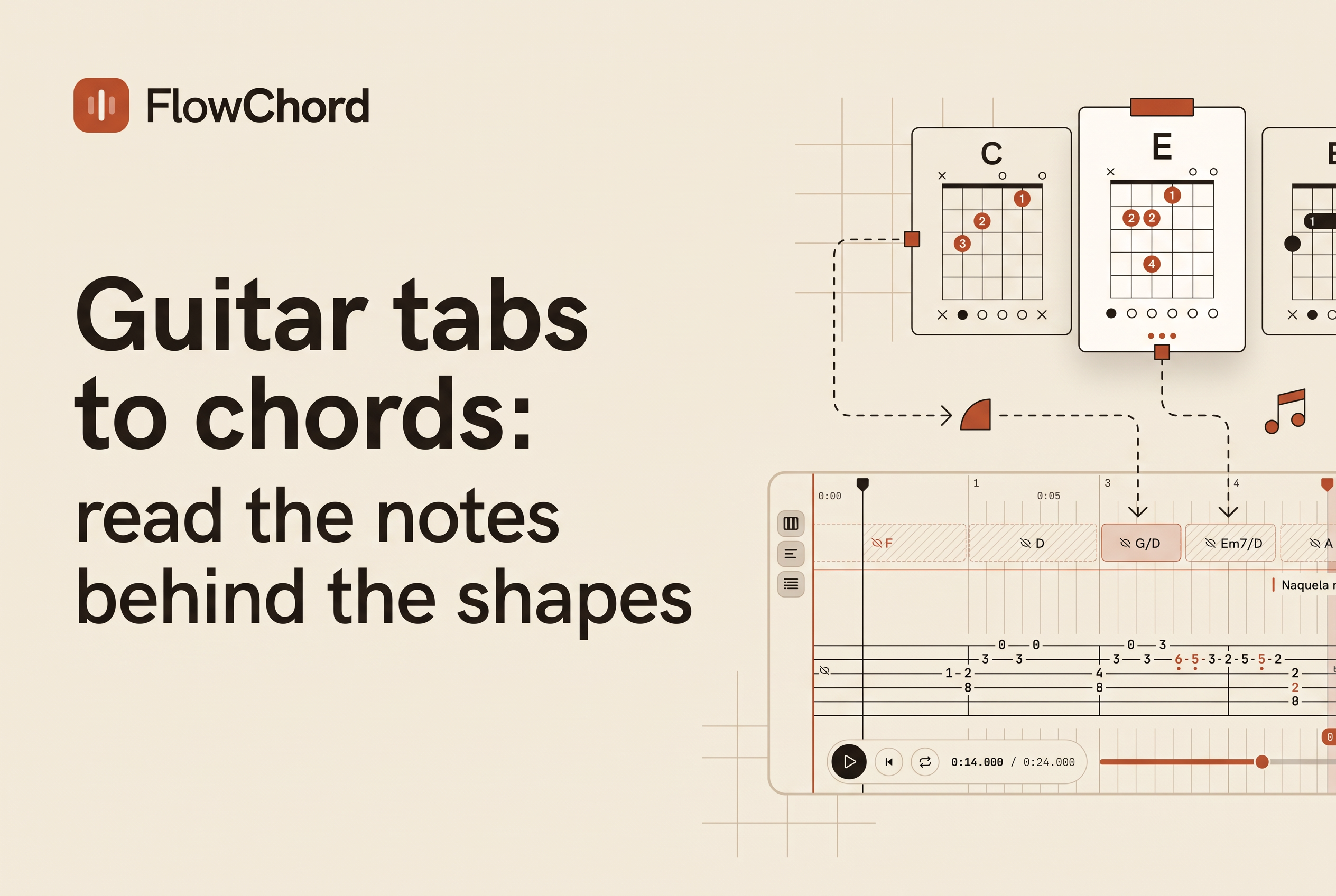
To turn guitar tabs to chords, read the stacked numbers from the bottom string up, translate each fret number into a note name, then match that set of notes to a chord. A tab that reads X32010 gives you C, E, G, C and E, which is a C major chord.
Start by checking the tuning: the examples below assume standard tuning, E A D G B e, with no capo. A fret number alone is not a note name. Even after you identify the notes, the surrounding music can affect the chord name. This guide walks the process by hand with worked examples, covers open strings, muted strings and the X, and ends with how creators put chords and tab on screen together in a playing video.
Tabs and chords describe the same notes in different ways
Tabs and chord charts are two views of the same fretboard. A tab tells you which fret to press on which string. A chord chart gives you the name of the sound and a snapshot of the shape. The difference comes down to time versus snapshot. A tab is linear and reads left to right in the order you play. A chord chart is a single picture of your fretting hand.
That matters for converting. A tab never prints the word "C major." It prints numbers, and you infer the chord from them. Chord charts do the opposite: they give you the name and a fingering, but not the exact order or rhythm of the notes.
So the job is translation. Numbers become notes, notes become a name. Once you can do that by hand, you can read any tab and explain it to a student.
How stacked tab numbers show a chord (X32010 explained)
When numbers are stacked vertically in a tab, they are played at the same time, and that stack is a chord. Tab has six lines, one per string. The lowest line is the low E string and the top line is the high e string, so the bottom of the tab is the thickest string.
Here is the C chord in tab, written the compact way from the low string to the high string: X32010.
e|--0--
B|--1--
G|--0--
D|--2--
A|--3--
E|--X--
Read it string by string. Low E is muted. A string at the 3rd fret. D string at the 2nd fret. G string open. B string at the 1st fret. High e open. That is the C chord in guitar tab notation, and the numbers are fret numbers, not finger numbers. Chord charts use finger numbers. Tab never does.
Horizontal spacing changes when the notes sound, not necessarily the harmony. Compare the stacked C shape above with this picked version:
e|----------0--|
B|-------1-----|
G|----0--------|
D|--2----------|
A|3------------|
E|-------------|
Read left to right: C, E, G, C, E. The notes are identical to X32010, but arrive one at a time. Together they outline C major. Do not assign a new chord name to every single note in a picked accompaniment. First look for the repeated group and where the bass or fretting shape changes. Plain text spacing does not specify exact note durations; listen to the recording or use rhythmic notation.
Open strings, muted strings and the X: what each string is telling you
Every string in a tab shows one of three things: a fret number, a 0 for open, or an X for muted. Each one changes which notes are actually in the chord.
A 0 means the string rings open, with no finger on it. Open strings are tuned to E, A, D, G, B and e, so a 0 on the G string is the note G.
An X means the string is muted or not played. It adds no note, so it cannot change the chord name. In X32010, the low E is dead, which is why the lowest note you hear is the A string at fret 3, a C.
A number means you press that string behind that fret. The note is the open string note moved up one half step per fret.
Build one habit: before naming anything, cross out the X strings. You only name what actually sounds.
Spell the chord: from fret numbers to note names to a chord name
To get from fret numbers to a chord name, convert each sounding string to a note, remove duplicates, and match what's left to a chord formula. Use the chromatic scale as your ruler: C, C#, D, D#, E, F, F#, G, G#, A, A#, B, then back to C. One fret equals one step along it.
Worked example, X32010:
A string, fret 3: A plus three half steps (A#, B, C) is C
D string, fret 2: D plus two (D#, E) is E
G string, open: G
B string, fret 1: B plus one is C
High e, open: E
Notes heard: C, E, G, C, E. Remove duplicates and you have C, E, G. A major chord is the root, the major third and the fifth. From C, the major third is E and the fifth is G. That is C major.
Try a second one: 022100. Low E open is E. A string fret 2 is B. D string fret 2 is E. G string fret 1 is G#. B and e open are B and E. Unique notes: E, G#, B. Root E, major third G#, fifth B. That is E major.
That is how to convert guitar tabs to chord names with no tool at all. Notes come first, the formula second.
When the tab gives an incomplete voicing: why one shape can have two names
An incomplete voicing can legitimately have two names, because the chord name depends on notes the tab does not show. Chords are defined by their notes, and when you leave notes out, more than one chord can fit what remains.
Take a tab that gives only three notes: C, E and A. That set can be heard as A minor with a C bass note, or as C6 with no fifth. Both spellings use the same three notes. Context decides. If the song's bass is moving around A, it is Am. If the music is sitting on C, call it C6.
Another common case is a bare fifth, like a power chord. Two notes, say E and B, name no third, so the tab alone cannot say major or minor. You need the surrounding chords or the melody.
Keep two answers separate: which notes the tab contains, and which chord name best explains them in this passage. You can calculate the first from the tuning and frets. The second may require the bass, melody and neighboring chords.
Check yourself before using a chord lookup
Try 022000 without looking at a chord chart. In standard tuning its sounding notes, low to high, are E, B, E, G, B, E. Remove duplicates: E, G, B. Compare that with 022100 from the previous example: only G has changed to G#. That one-fret change supplies the minor or major third, so 022000 is E minor and 022100 is E major.
Before accepting a result, check:
Did you read the compact shape low string to high string? The printed tab's top line is the high string.
Did you include the open strings? In this example, the open G determines minor rather than major.
Are you naming a simultaneous stack or notes picked across a passage? A sequence can outline one chord.
Does your proposed chord explain every sounding note? Keep the note list beside the name so you can check it.
If you want the reverse direction, playing guitar and getting tab out of it, see AI guitar tab generator: from your playing to video tab.
Showing the chord and the tab together in your own playing video
If you post playing videos, the clearest way to teach this is to show the chord name, the tab and the lyrics on screen while your hands play. Viewers see X32010, hear the chord, and read "C" at the same moment, which is the exact translation this article teaches.
Use the two C examples above as a teaching clip: play the stack, then pick the same notes individually. Keep the chord label C visible in both examples so the viewer can distinguish harmony from picking order.
FlowChord is a browser video editor, currently in early access, that turns a recording of you playing guitar into a video with synced chords, tab and lyrics on screen. Students can then practice along with your videos.
For a teacher, that means your explanation of a stacked tab sits right on the video that demonstrates it.
Learn to read the stack, then let the video show it
Converting guitar tabs to chords takes three moves: cross out the X strings, turn each fret number into a note, and match the notes to a chord formula. Check your answer by playing the notes slowly and comparing your note list with the proposed chord. When you're ready to show it, record yourself playing a song you teach and try FlowChord's early-access editor to put the chords, tab and lyrics on screen, so your students see the numbers and the chord name together.